This post was migrated from my original Jekyll site with little to no modification. Weird formatting (and general prose cringe) is to be expected.Sorry.
It took less than an hour to figure out how to pull all of our videos from Vimeo. What followed, though, was an entire weekend of head-scratching, dealing with messy edge cases, and then waiting for 300-something-GB worth of files to download. Or really, waiting for that download to fail multiple times so I could figure out what went wrong.
So the funny thing about hosting videos on Vimeo is that if you ever need to mass download all of your transcoded1 videos, you uh, can’t do that. There’s no easy way at least.
Back in August, we queried Vimeo’s support staff about how we could do this; they responded saying that they could send us a .csv file with all of our download links, and that unfortunately that was the extent of the support they could provide for this query.
And so on some uneventful day last year I got this email:
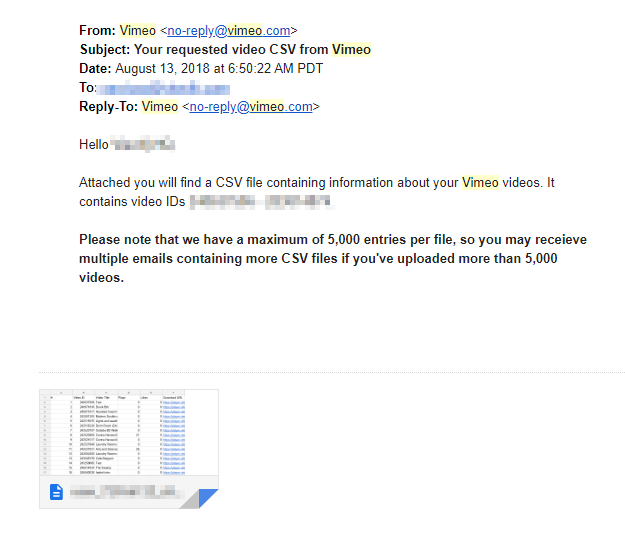
And my immediate thought was:
How about I deal with this like later. Like specifically not right now. Like specifically at an indeterminate time that is potentially never. Like later in the future.
And so now it’s June. And we’ve started migrating our codebase to a mobile app. And it’s all dawned on us that “Hey. Uh. We don’t really have any use for this Vimeo stuff anymore.” And so before we migrate off Vimeo for good we’d like to download all of our videos that are on Vimeo.
Except that we have a Vimeo business account with 5000 total videos on it.
Yeah, 5000, right on the nose2! Oh, and also, did I mention that Vimeo doesn’t natively provide a way to mass download all of your videos.
If you’ve ever had the pleasure of dealing with the Vimeo API3, you’ll know there’s a rate limiter on API calls. If you hit or pass that limit while attempting to upload a video through the API the upload will actually complete. Which sounds like a good thing, maybe?
Yeah, no.
The upload will complete, as in Vimeo will recognize that you have a new video on your account, but the actual video file will not upload. You know, that thing that Vimeo says actually literally happened.
And so whenever this occurs you have a neverending transcoding mess4 of a video that’s hard to track down and delete if you have, say, literally 5000 videos.
If you’re curious, this is what one of these broken bad boys looks like by the way:
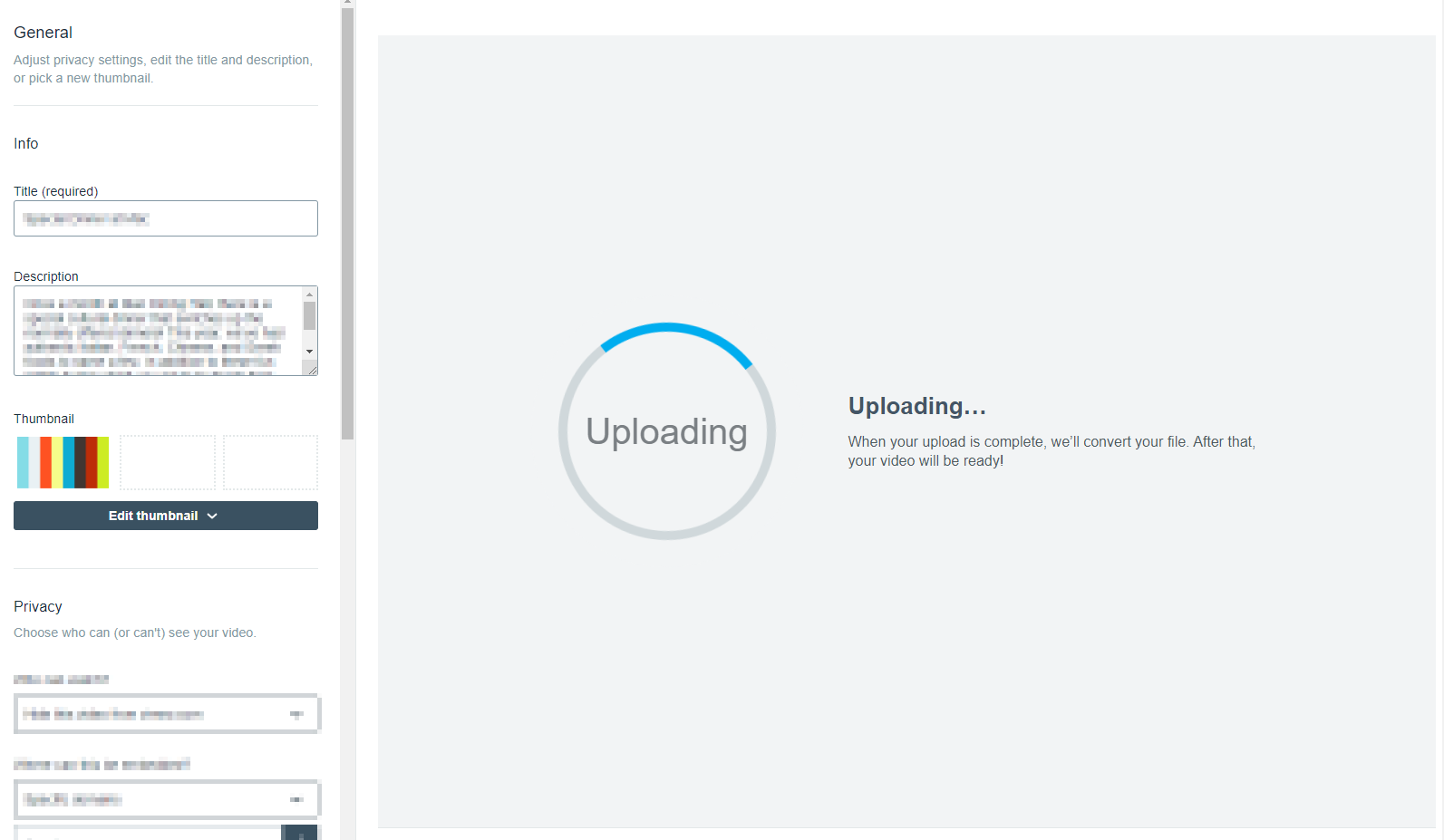
Vimeo, you need to make your error screens look more HEY LISTEN! YOU FUCKED UP because that’s how they make me feel.
We built a queueing system earlier this year to deal with that problem, and it’s gotten the job done so far. But our issues didn’t really end there. Vimeo apparently lets you upload any file through its API; these are all treated equally as video files and once uploaded Vimeo will try to transcode them.
This is fine and dandy if on the client-side you only whitelist certain filetypes for upload. But then this isn’t really fine if said whitelist breaks for whatever reason when, say, someone decides to upload a pdf because that’s totally an acceptable video file type.

And so the occasional “video” upload would slip through when no actual video file was uploaded. And Vimeo would fail to transcode that pdf, or that jpeg, or that mp3 because, guess what? You can’t do that. You can’t “transcode” a “pee dee eff.” That literally doesn’t make any sense. If you attempt to run a pdf file through ffmpeg, you will have a bad time.
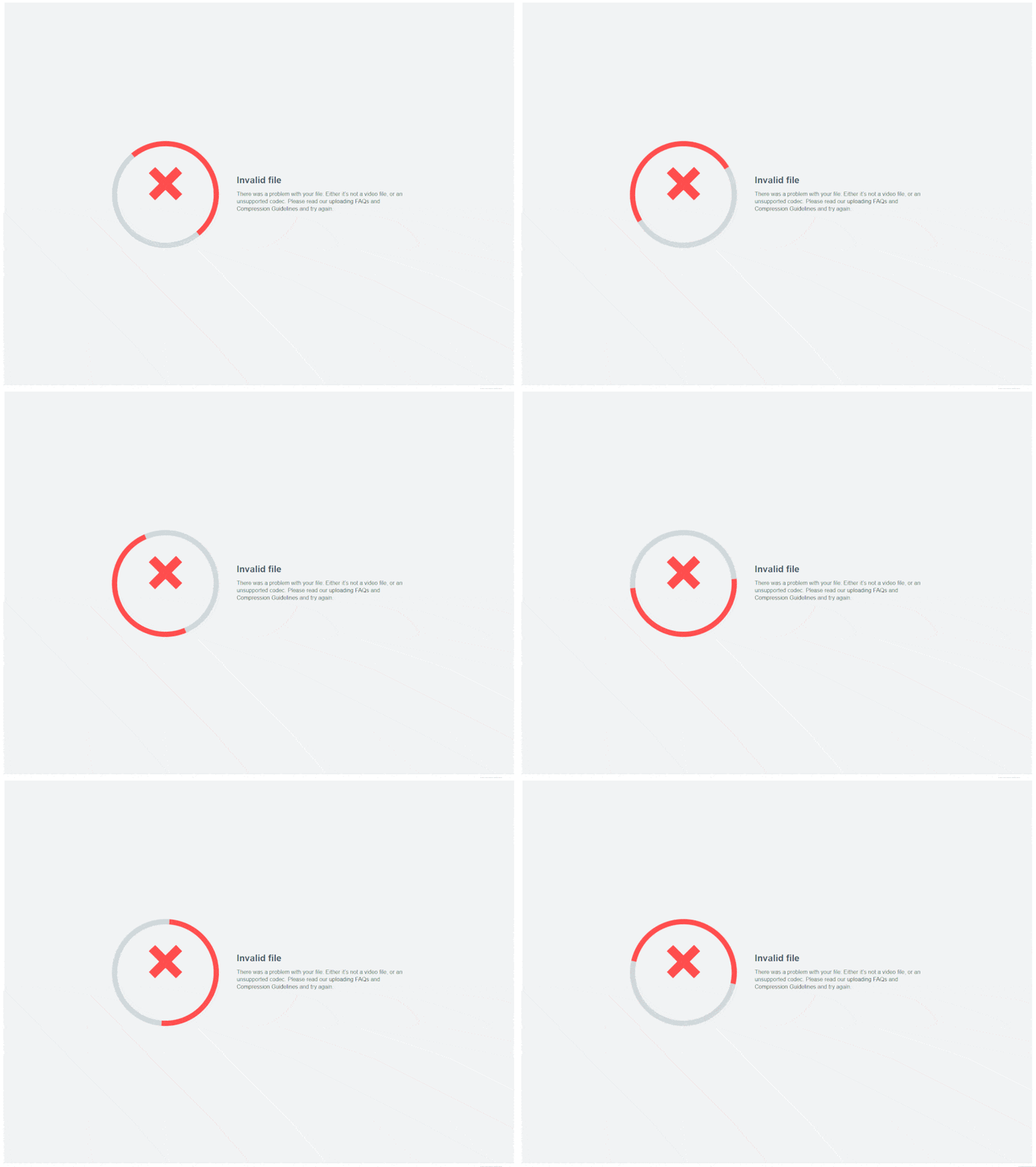
Now THIS is an error screen that really makes me feel the whole “attempt to transcode bad_vibes.pdf #3402. Vimeo is very sad now.”
Like you literally really can’t even begin to treat a pdf as a video file. Even the ones with embedded videos. ESPECIALLY the ones with embedded videos. I actually looked into it.
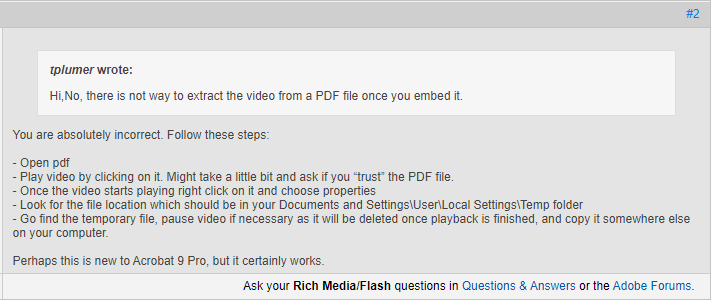
This is fine and dandy until you realize that running a headless version of Acrobat Pro (READ: This Isn’t Even A Real Thing) just so you can extract a video file and then do things with it is like. Insane.
This same issue rings true with corrupted video files. Like actual video files5, that after uploading Vimeo is like
HEY! I GET THAT THIS IS AN MP4 BUT I CAN’T ACTUALLY DEAL WITH THIS. I’M JUST GONNA SIT HERE NOW.
and then Vimeo retains those files even though they are useless and can never properly be transcoded in the first place.
No. I promise you. It’s only pain ahead.
So we’ve established that there are multiple kinds of “this video isn’t actually a video even though Vimeo says it’s a video,” all of which happen to exist on our Vimeo account. This is fantastic to know now, and it was also definitely not something I considered when I thought
I could probably write a script that downloads all of our account’s videos in like an hour.
And I technically wasn’t wrong. Despite my grumblings, the Vimeo API is incredibly easy to use. If you have a business account, you can query for all of your videos + their download URLs6.
So I got my Vimeo app’s Client ID, Client Secret, and generated a Personal Access Token to use for this script.
Wait, a script? Scripting using what?
Node.js. Obviously. Can you even script using anything else7?
I created a folder. I pressed my npm install LITERALLY_EVERTHING macro. I waited an hour for my node_modules folder to be created. I then went back and deleted all that other junk I didn’t need.
Just kidding. I’m a changed man now.
I installed the vimeo npm package alongside some commandline utilities8. Because I crave social interaction in almost any form, I added a Q/A prompt at the beginning to input Vimeo credentials.
This eventually became annoying to deal with when I started testing so I commented all that out and just plugged in my credentials directly.
I thought to myself, “wouldn’t it just be easier to pass in a file that has all this junk?” I then proceeded to pat myself on the back for a such an intelligent thought. I then, you know, didn’t actually implement this.
I set up my initial query, ready to get all of my video data:
const vimeoClient = new Vimeo(ID, SECRET, TOKEN);
vimeoClient.request({
  method: 'GET',
  path: '/me/videos',
}, callbackThatDealsWithThisJunk);
Because reasons9, the Vimeo API will only return up to 100 videos at a time; you have to paginate your url calls for the next 100, and the next 100, and so on and so forth.
This really isn’t that bad since any general query to api.vimeo.com/me/videos will return the total number of videos on your account. If you send a query asking for just one video, you can quickly figure out how many total pages of videos there would be at 100 videos per page.
For 5000 videos, that’s 50 full, complete pages. That’s probably a blessing in disguise.
In your query parameters you can also specify the specific data you want for all the videos you’re grabbing. We want to minimize the payload size because that means I can spend less time waiting for this step to complete when debugging.
So I simply asked for the uri (to generate the final filename) and then the files array which hosts the urls to the video files in different transcoded resolutions:
let TOTAL_LOADED = 0, TOTAL_FILES = 5000;
const vimeoClient = new Vimeo(ID, SECRET, TOKEN);
for(let i=1; i<=pages; i++) {
  vimeoClient.request({
    method: 'GET',
    path: `/me/videos?per_page=100&page=${i}`,
    query: {
      per_page: 100,
      fields:"uri,files",
    },
  }, (error,body,status_code,headers) => {
    if(error) //deal with it
    body.data.forEach(e => {
      TOTAL_LOADED++;
      //do stuff with every video, namely push them into the file array
    });
    if(TOTAL_LOADED==TOTAL_FILES) {
      //do the next thing
    }
  });
}
I had to reference the per_page parameter both in the path and in the query because otherwise the API would freak out. I mean, it happens.
Since I didn’t really care about the order these videos are downloaded in, I set up a for loop that calls 50 times, once for each page. The results were thrown into (what became) a dummy thicc array.
Once all of that was done, I looped through this array and extracted the exact video file I wanted from the files array for each respective video.
This part took me about 3 hours because of all of that hot garbage that can cause videos to not actually be videos. After some plentiful debugging10, I had a solution that got all of the video data for a given Vimeo account, and then loaded/ parsed all of the relevant file data while cutting out all of the broken junk.
The final array is passed to a download handler, where axios downloads each file and keeps us updated on the progress of the total download in terms of both the total files downloaded and the total bytes downloaded (you can get the total filesize because each video file in the files array also has a field for its size).
We use node’s fs module to create a write stream to a filepath11, and then we go through the file array one by one, downloading the file at that index and then moving on to the next when complete12.
At this point I was pretty tired, mainly because I had spent the last couple of hours in total edge case hell. So I started the script and told myself “literally nothing could go wrong, and even if it did, it’s not like I’d have to restart this entire thing over ha ha ha ha ha.” And then I went to bed.
When I woke up, I immediately checked my computer to see what went wrong.
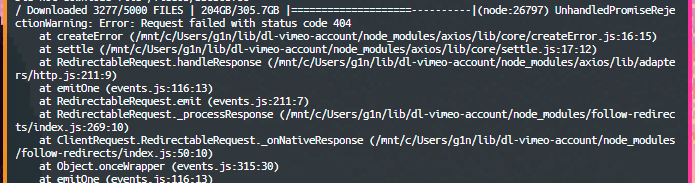
> Downloaded  3277/5000 FILES  |  204GB/305.7GB
> UnhandledPromiseRejectionWarning: Error: You're an idiot.
Yeah, I really earned this one.
Okay, whatever. Time to figure out what happened. The error message seems to make it pretty clear:
(node:26797) UnhandledPromiseRejectionWarning: Error: Request failed with status code 404 \404? I know about that word!
It’s likely that the files array spat out a url that only allegedly had a video file. And by allegedly, I mean there definitely wasn’t a video file there. There was literally nothing there.
So I’m not actually that stupid. In the chaos of figuring out all of the edge cases for these video files, I had implemented a basic “write all of the video data to this files.json so I can figure out which videos are causing problems” feature. Since I knew that file 3277 had caused a failure, I could double check to see what happened there.
So I created a second script, and I pulled the video uri of the problem video. Sure enough, there was a video file url that (despite literally existing in Vimeo’s backend) 404’d.
Ok, well. Time to wrap this axios call in a try{} catch() and call it a day.
Except, uh, now I have to restart this entire download thing from the very beginning.

A word from the wise13: If you’re gonna build a utility for an hours long process that can fuck up halfway through, implement a save feature. Especially if it means you don’t have to redownload Literally Five Thousand Videos.
The good thing about having that files.json thing handy is that I’ve already done half the work here.
I set it up so that whenever a file completes downloading, a key for TOTAL_FILES_DOWNLOADED in the main body of the files.json object increments. After every completed download, I also record the total bytes downloaded. At the beginning of the entire process I record the total file size, the previous filepath entered, and of course the files array that has all the actual data I need to download each video.
Whenever the script starts from here on out, it’ll check to see if files.json exists, and if so it’ll prompt you to continue downloading or not.
I also created a LOG file that’s placed in the same filepath as the video downloads, this thing will record every “mistake” that happens either in the video compilation process or in the download process (just for good measure).
I can now willingly stop the script at night so I can turn my computer off before going to bed! And when I get up in the morning and restart it, the download can resume without a hitch.
9 days ago, I finally finished:
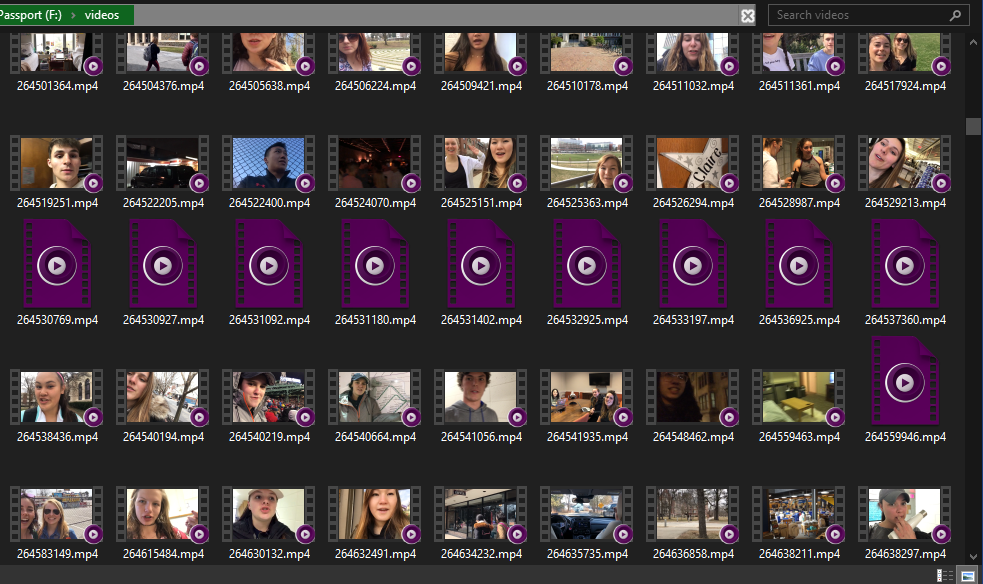
If you look carefully, you can see my computer struggling very hard to load Literally 5000 Video Thumbnails.
I wanted to integrate more code samples into this post, but the reality is that this script I wrote is a gross, never-once-refactored, spaghetti mess that nobody should ever, ever see14.
So instead you can check out the entire repository here on Github.
Let me know how I can improve!
As in, the actual video file that Vimeo serves (which is created after upload), as opposed to the source one that was uploaded. ↩
I’m actually not sure if it’s 5000 because we uploaded exactly that many or because 5000 is the literal upload limit. I’m not gonna bother checking either. ↩
And more specifically if you’re illiterate and you don’t read about info that could potentially affect your app. Maybe perhaps like me. ↩
If you transcode a video on Vimeo but the actual video file isn’t there, did you really transcode it? This isn’t a philosophical question. The answer is just no. ↩
READ: not pdfs. ↩
And if you don’t have a business account. Well, uh, that’s too bad. You can stop reading now I guess. ↩
Don’t bash me too hard, okay. I used TypeScript. ↩
inquirer for question prompts, axios for ezpz download handling, cli-spinner so you’re not bored while you’re waiting, and figlet and chalk to make some SICK looking entry text. ↩
I can actually imagine that those reasons are “we’re not going to compile and send out a 5000 member json object are you kidding me.” I guess that makes sense. ↩
What do you mean it’s not really debugging if I’m just restarting the script and seeing what goes wrong. ↩
That you specify in the beginning script prompt. Yes, this is a substitute for human interaction. ↩
Literally nobody is safe from recursive callback spaghetti. ↩
Verification pending. ↩
Also I lied. I didn’t use TypeScript. ↩